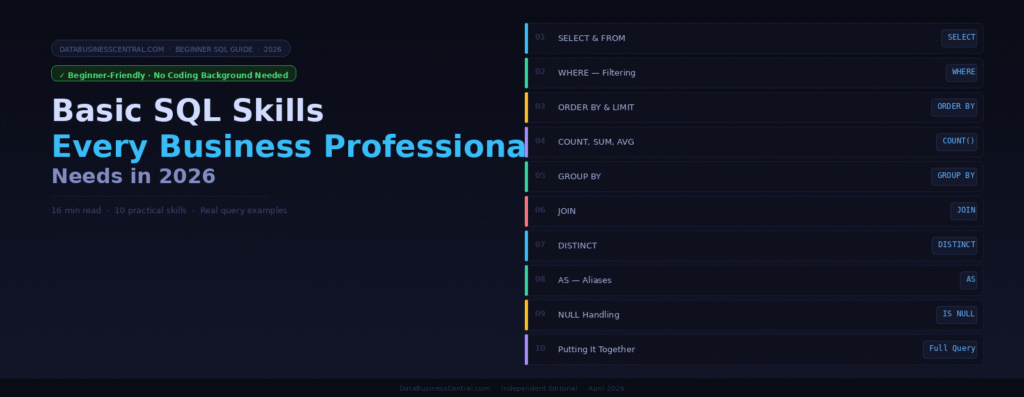
No coding background needed. SQL basics can be learned in 2–3 weeks — and they will change how fast you can answer business questions forever. Here is exactly where to start.
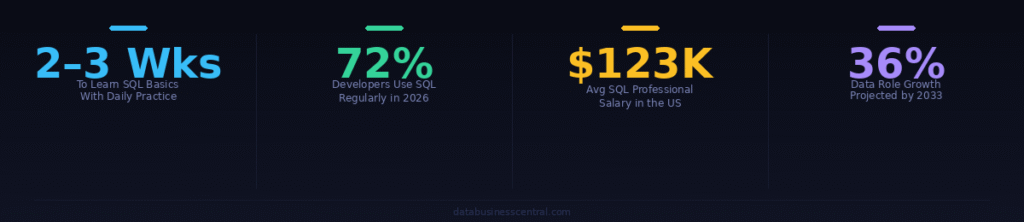
SQL — Structured Query Language — is the universal language for talking to databases. Every time a business analyst pulls a sales report, a marketer checks campaign results, or a finance team reviews monthly revenue, SQL is almost certainly working behind the scenes. 72% of developers use SQL regularly, and it remains the backbone of data operations in 2026.
The best news for beginners: SQL reads almost like plain English. You do not need a computer science degree, a programming background, or a data science course. You can grasp SQL basics in just 2–3 weeks with focused daily practice. What you need is a clear starting point and real-world examples that connect each skill to an actual business task.
This guide covers the 10 foundational SQL skills every business professional should master first. Each one is explained in plain language, with a real example query and a practical business use case. Start at Skill 1. Work through in order. By the end, you will be able to write queries that answer real business questions independently.
📋 Skill 01
SELECT & FROM — Get Your Data
Every SQL query starts here. This is your bread and butter.
Level Beginner
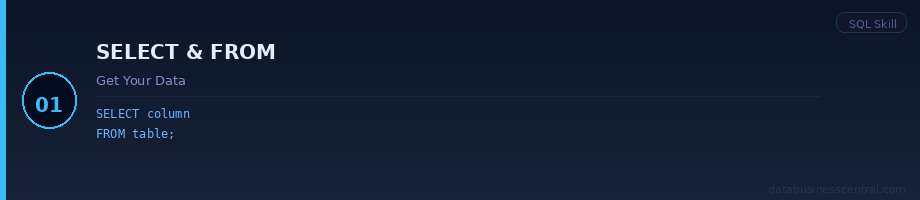
SELECT tells SQL what columns you want to see. FROM tells it which table to look in. These two words are the foundation of every single SQL query ever written. If you learn nothing else, learn these.
SQLGet all customer names and emails
-- Get specific columns from a table
SELECT customer_name, email, country
FROM customers;

-- Get ALL columns (use * sparingly on large tables)
SELECT *
FROM customers;
💼 Business use: Pull a list of all customers from your database. View all product names and prices. See every transaction from the past month. Any time you need to look at data, SELECT and FROM are your starting point.
Try It
Open SQLiteOnline.com — it’s free, no install needed. Type SELECT * FROM your_table; and press Run. You just wrote your first SQL query.
🔎 Skill 02
WHERE — Filter Your Results
Stop seeing everything. Start seeing only what matters.
Level Beginner
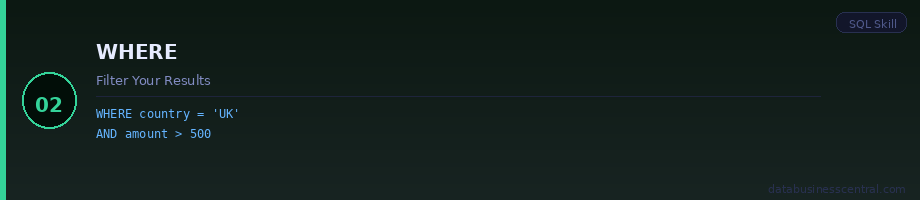
WHERE filters rows based on a condition. Without it, you get every row in the table. With it, you get only the rows that match your criteria. This is how you go from “all customers” to “customers in the UK” or from “all orders” to “orders over £500.”
SQLFilter customers by country and status
-- Single condition
SELECT customer_name, email
FROM customers
WHERE country = 'United Kingdom';

-- Multiple conditions with AND / OR
SELECT order_id, amount
FROM orders
WHERE amount > 500
  AND status = 'completed';
💼 Business use: Find all orders placed in Q1. Show only customers who have not renewed. List all products below a minimum stock level. WHERE is where business questions become SQL questions.
Key Operators
= (equals) · > < (greater/less than) · != (not equal) · LIKE (pattern match) · IN (list of values) · BETWEEN (range)
🔢 Skill 03
ORDER BY & LIMIT — Sort and Slice
Control the order of results and limit how many rows you see.
Level Beginner
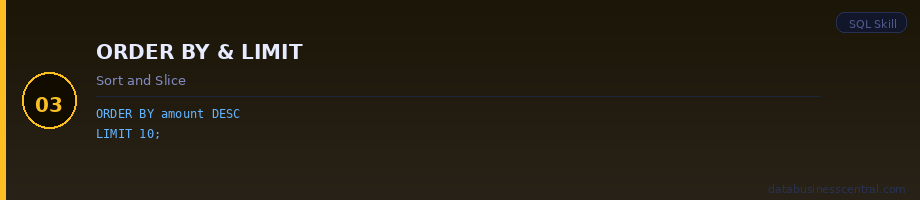
ORDER BY sorts your results by any column — ascending (A→Z, 1→9) or descending (Z→A, 9→1). LIMIT restricts how many rows are returned. Together they are your most-used tools for quick business lookups: “show me the top 10 selling products” or “who are our 5 biggest customers this month?”
SQLTop 10 orders by value
-- Highest value orders first, top 10 only
SELECT order_id, customer_name, amount
FROM orders
ORDER BY amount DESC
LIMIT 10;

-- Most recent orders first
SELECT order_id, order_date
FROM orders
ORDER BY order_date DESC;
💼 Business use: Identify your top-performing sales reps. Find the most recently created accounts. List products from cheapest to most expensive. These two commands produce the fast lookups that used to take Excel pivot tables minutes.
🧮 Skill 04
COUNT, SUM, AVG — Aggregate Functions
Turn rows of data into meaningful business numbers.
Level Beginner
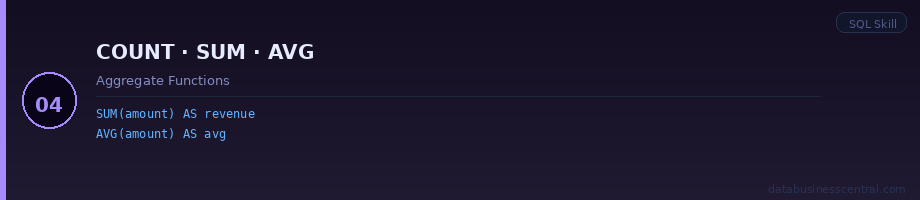
Aggregate functions summarise many rows into a single result. COUNT counts rows. SUM adds values together. AVG calculates the average. MIN and MAX find the smallest and largest values. These are the functions that turn a table of transactions into a revenue figure, a customer count, or an average order value.
SQLBusiness summary metrics
-- How many customers do we have?
SELECT COUNT(*) AS total_customers
FROM customers;

-- Total and average order value
SELECT
  SUM(amount)  AS total_revenue,
  AVG(amount)  AS avg_order_value,
  MAX(amount)  AS largest_order
FROM orders
WHERE order_date >= '2026-01-01';
💼 Business use: Calculate total monthly revenue. Count how many support tickets were opened this week. Find the average deal size by sales rep. Aggregate functions are what make SQL useful for business reporting.
📊 Skill 05
GROUP BY — Segment Your Analysis
The single most powerful skill for business analytics in SQL.
Level Intermediate
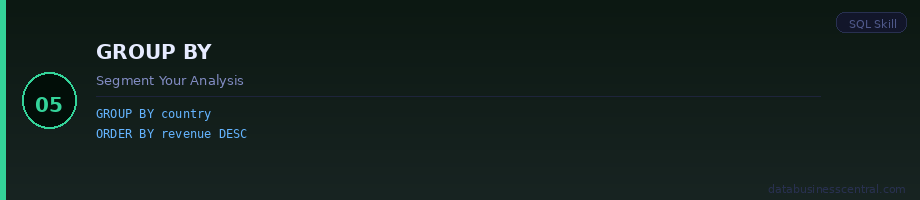
GROUP BY is what unlocks real business analysis. It takes your aggregate functions and breaks them down by category — revenue by region, order count by product, customers by acquisition channel. This is the SQL equivalent of a pivot table, and it is far faster to write than to rebuild in Excel every week.
SQLRevenue broken down by country
-- Revenue by country, highest first
SELECT
  country,
  COUNT(*)         AS num_orders,
  SUM(amount)      AS total_revenue,
  AVG(amount)      AS avg_order
FROM orders
GROUP BY country
ORDER BY total_revenue DESC;
💼 Business use: Monthly revenue trend (group by month). Best-selling product categories (group by category). Average deal size per sales rep (group by rep name). GROUP BY turns flat data into business intelligence.
Pro Tip
Add HAVING after GROUP BY to filter grouped results — e.g. HAVING SUM(amount) > 10000 shows only countries with over £10K in revenue. HAVING is WHERE for grouped data.
🔗 Skill 06
JOIN — Combine Data from Multiple Tables
The skill that separates casual users from confident analysts.
Level Intermediate
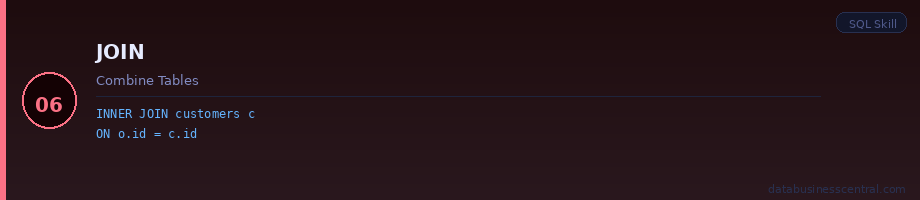
Real business data is spread across multiple tables. Customers are in one table, orders in another, products in a third. JOIN connects these tables by matching rows on a shared column — like a customer ID that appears in both the customers table and the orders table. INNER JOIN is the most common: it returns only rows where the match exists in both tables.
SQLCombine orders with customer names
-- Join orders to customers to see who ordered what
SELECT
  c.customer_name,
  c.country,
  o.order_id,
  o.amount,
  o.order_date
FROM orders o
INNER JOIN customers c
  ON o.customer_id = c.customer_id
ORDER BY o.order_date DESC;
💼 Business use: Combine sales data with customer demographics. Match support tickets to the products they relate to. Link marketing campaign IDs to revenue outcomes. JOINs let you answer cross-functional questions that single tables never could.
Types of JOIN
INNER JOIN — only matching rows in both tables · LEFT JOIN — all rows from left table, matched from right · RIGHT JOIN — reverse of LEFT · Start with INNER JOIN and LEFT JOIN. They cover 95% of real use cases.
🔍 Skill 07
DISTINCT — Remove Duplicates
See unique values only — essential for data quality checks.
Level Beginner
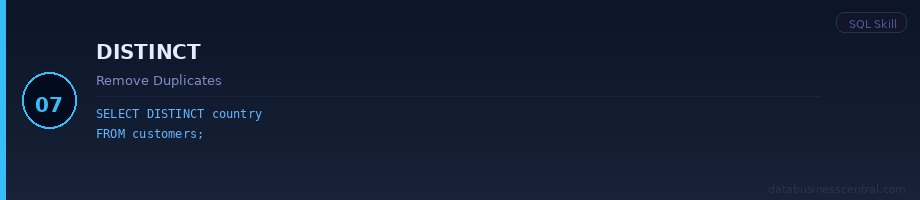
DISTINCT returns only unique values — removing duplicate rows from your results. It is one of the most useful quick checks in business analysis: how many unique customers placed orders? How many distinct products are in the catalogue? How many different countries are represented in the data?
SQLCount unique customers who ordered
-- List of unique countries in the customer table
SELECT DISTINCT country
FROM customers
ORDER BY country;

-- Count of unique customers who placed an order
SELECT COUNT(DISTINCT customer_id) AS unique_buyers
FROM orders;
💼 Business use: How many unique products were sold this quarter? How many distinct account managers are in the CRM? Are there duplicate email addresses in the contact database? DISTINCT is your first data quality tool.
🏷️ Skill 08
AS — Aliases for Cleaner Results
Rename columns and tables to make results readable and professional.
Level Beginner
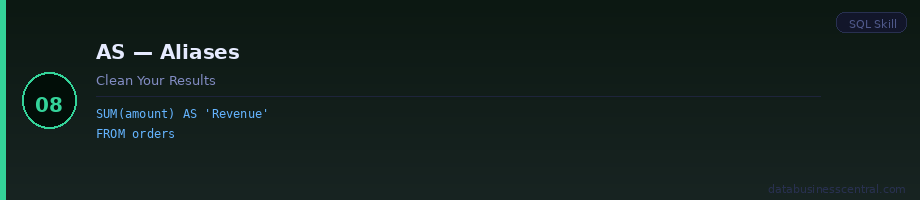
AS creates an alias — a friendly name for a column or table in your query. Without aliases, aggregate results come back with unhelpful names like COUNT(*) or SUM(amount). With aliases, results read like a proper report: Total Revenue, Number of Orders, Average Deal Size. Aliases also shorten long table names when writing JOINs.
SQLNamed results for a clean report
-- Without aliases: messy column headers
-- With aliases: clean, readable results
SELECT
  country                    AS "Region",
  COUNT(*)                   AS "Total Orders",
  SUM(amount)                AS "Total Revenue",
  ROUND(AVG(amount), 2)      AS "Avg Order Value"
FROM orders
GROUP BY country
ORDER BY SUM(amount) DESC;
💼 Business use: Present query results in board-ready format. Shorten table names in complex JOINs to c for customers and o for orders. Make automated reports self-labelling so anyone can read them.
❓Skill 09
NULL Handling — IS NULL & COALESCE
Real data has gaps. Know how to find and handle them.
Level Beginner
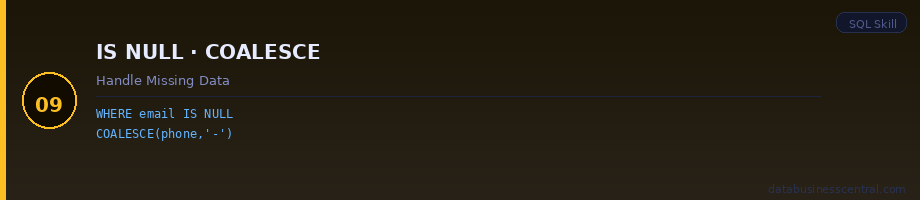
NULL means a field has no value — it is not zero, it is not an empty string, it is the absence of data. NULL values appear in every real business database: missing phone numbers, unassigned account managers, products without a listed price. Knowing how to find them and handle them is an essential data quality skill.
SQLFind and handle missing data
-- Find customers with no email on file
SELECT customer_name, phone
FROM customers
WHERE email IS NULL;

-- Replace NULLs with a default value
SELECT
  customer_name,
  COALESCE(phone, 'No phone listed') AS phone
FROM customers;
💼 Business use: Identify incomplete customer records before a campaign. Find orders with no assigned sales rep. Check which products are missing pricing data. NULL handling is data quality work — and data quality is the foundation of every trustworthy analysis.
🏆 Skill 10
Putting It All Together
A real business query using everything you have learned.
Level Intermediate
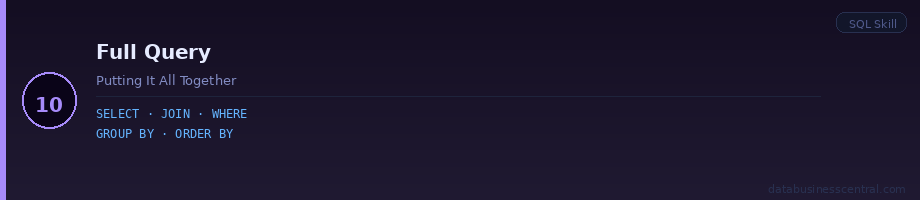
Here is a query that uses every skill from this guide in one place. It answers a real business question: Which of our top 5 countries by revenue had the highest average order value in Q1 2026, and how many unique customers ordered from each? This is the kind of question that used to require a data analyst. With these 10 skills, you can answer it yourself in under five minutes.
SQLFull business report — Q1 2026 revenue by country
SELECT
  c.country                              AS "Country",
  COUNT(DISTINCT o.customer_id)         AS "Unique Customers",
  COUNT(*)                               AS "Total Orders",
  SUM(o.amount)                          AS "Total Revenue",
  ROUND(AVG(o.amount), 2)               AS "Avg Order Value"
FROM orders o
INNER JOIN customers c
  ON o.customer_id = c.customer_id
WHERE o.order_date BETWEEN '2026-01-01' AND '2026-03-31'
  AND o.status != 'cancelled'
  AND o.amount IS NOT NULL
GROUP BY c.country
HAVING COUNT(*) >= 5
ORDER BY SUM(o.amount) DESC
LIMIT 5;
💼 What this query does:
Joins orders to customers → filters to Q1 2026 non-cancelled orders → groups by country → removes countries with fewer than 5 orders → sorts by total revenue → returns the top 5. This is a complete, production-ready business report in 16 lines of SQL.
Your SQL Learning Roadmap
A realistic 3-phase plan from zero to confident business analyst.
Weeks 1–2 · The Basics
- SELECT, FROM, WHERE
- ORDER BY, LIMIT
- DISTINCT, AS aliases
- NULL handling basics
- Practice: SQLZoo or SQLBolt
⏱ 1 hour/day · 2 weeks
Weeks 3–4 · Analysis Skills
- COUNT, SUM, AVG, MIN, MAX
- GROUP BY + HAVING
- INNER JOIN + LEFT JOIN
- Practice on real work data
- Build one report from scratch
⏱ 1 hour/day · 2 weeks
Month 2–3 · Next Level
- Subqueries
- Common Table Expressions (CTEs)
- Date functions
- CASE WHEN statements
- Window functions basics
⏱ 30 min/day · 6–8 weeks
Best Free Resources to Practice SQL
All beginner-friendly. All designed for business use cases. All free to start.
SQLZoo-free
Interactive SQL exercises in the browser. No installation needed. Covers SELECT through JOINs with instant feedback. Best starting point for true beginner
SQLBolt-free
13 interactive lessons covering all basics. Clean, minimal interface. Each lesson builds on the last. Excellent for completing in one focused weekend sessio
DataCamp — Intro to SQL-free tier
2-hour interactive course rated 4.8/5 by 46,000+ learners. Updated March 2026. The most structured beginner path for business professionals specifically.
SQLiteOnline.com-free
A database in your browser. Upload a CSV file and immediately query it with SQL. The fastest way to apply these skills to your own real business data from day one.
LearnSQL.com-paid
The most comprehensive structured roadmap available. Interactive, builds in deliberate order, designed for professionals. Recommended once you have completed the free basics.
Mode Analytics SQL Tutorial-Free
Business-oriented SQL practice using real-world-style datasets. Covers everything from basic SELECT to window functions. Particularly strong on analytics use cases.
The Bottom Line
SQL is the single highest-leverage skill a business professional can add to their toolkit in 2026. It can be learned in 2–3 weeks. It requires no programming background. And it removes the dependency on data teams for every routine business question you will ever have.
The 10 skills in this guide — SELECT, WHERE, ORDER BY, aggregate functions, GROUP BY, JOIN, DISTINCT, aliases, NULL handling, and combining them all — cover the vast majority of what business analysts do with SQL every day. You do not need to master subqueries, window functions, or CTEs to become useful. You need to be comfortable with these basics first.
Start with Skill 1. Write the query. Run it. Modify it. Break it on purpose and fix it. An hour a day for two weeks is enough to get from zero to functional. The best time to start was when you first wished you could pull your own data. The second best time is right now.
