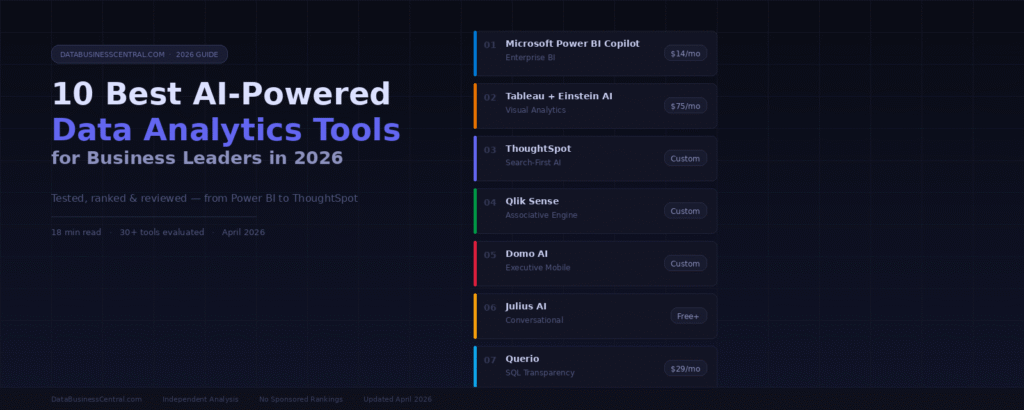
The AI analytics market is projected to hit $68 billion in 2026. We tested 30+ platforms so you don’t have to — here are the tools transforming how business leaders make decisions.
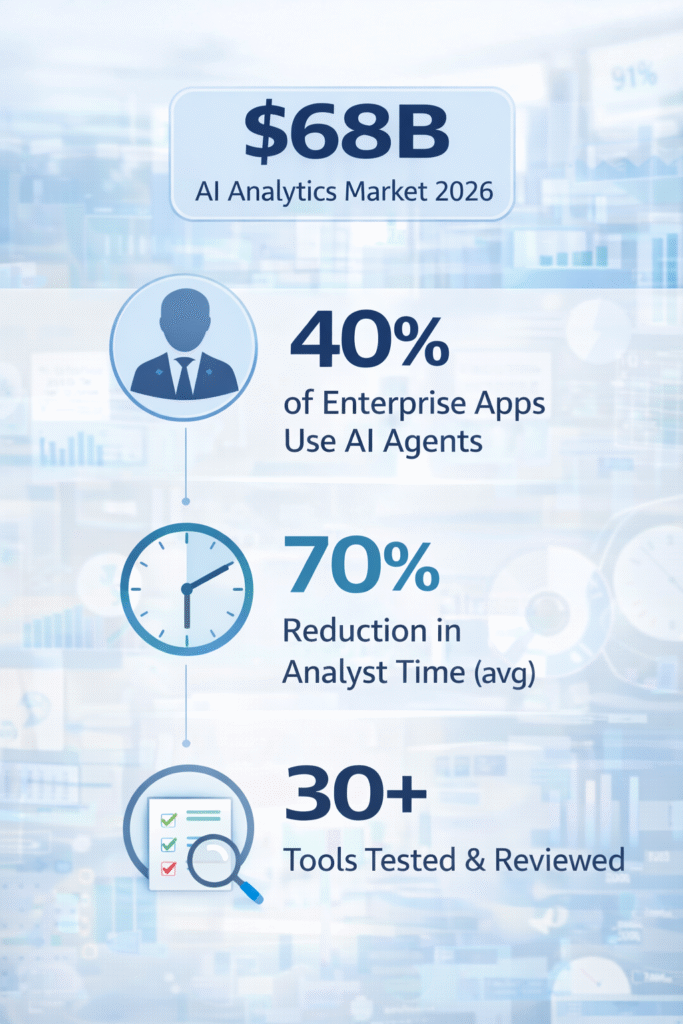
Table of Contents
- #1 — Microsoft Power BI Copilot
- #2 — Tableau with Einstein AI
- #3 — ThoughtSpot
- #4 — Qlik Sense
- #5 — Domo AI
- #6 — Julius AI
- #7 — Querio
- #8 — Akkio
- #9 — Polymer
- #10 — Zerve
The era of waiting three days for a data analyst to generate a report is over. In 2026, artificial intelligence has fundamentally changed how companies interact with data — democratizing insights, automating workflows, and enabling business leaders to interrogate millions of data points using nothing but plain English.
But not all tools are equal. Many vendors bolted a chatbot onto legacy BI infrastructure and called it innovation. We cut through the noise by testing each tool on real-world datasets, evaluating accuracy, ease of use, data connectivity, and the depth of AI integration.
Here are the 10 platforms that genuinely deliver — ranked for business leaders who need answers, not feature lists.
Microsoft Power BI Copilot
Enterprise BI · Microsoft Ecosystem · Natural Language
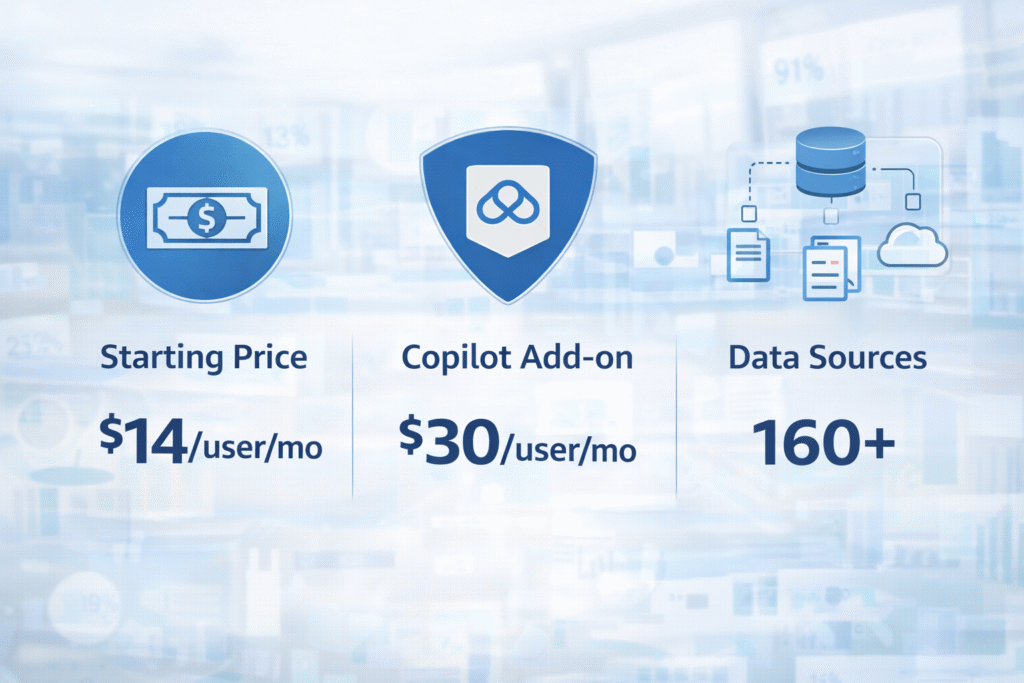
Microsoft Power BI remains the dominant force in enterprise business intelligence, and its Copilot integration in 2026 cements that position further. Copilot enables executives and managers to query dashboards, generate DAX formulas, and build reports using conversational English — no technical knowledge required. With over 160 data source connectors and deep integration across Excel, Teams, and SharePoint, Power BI is the frictionless choice for organizations already in the Microsoft ecosystem. The natural language query engine handles complex multi-step questions with solid accuracy and delivers the results as interactive visualizations in seconds.
Strengths
- Unbeatable Microsoft 365 integration
- Copilot writes DAX formulas automatically
- Lowest TCO for existing Microsoft shops
- 160+ native data connectors
Limitations
- Advanced DAX still requires expertise
- Less flexible outside Microsoft stack
- Large dataset performance issues
Tableau with Einstein AI
Visual Analytics · Data Storytelling · Advanced Charts
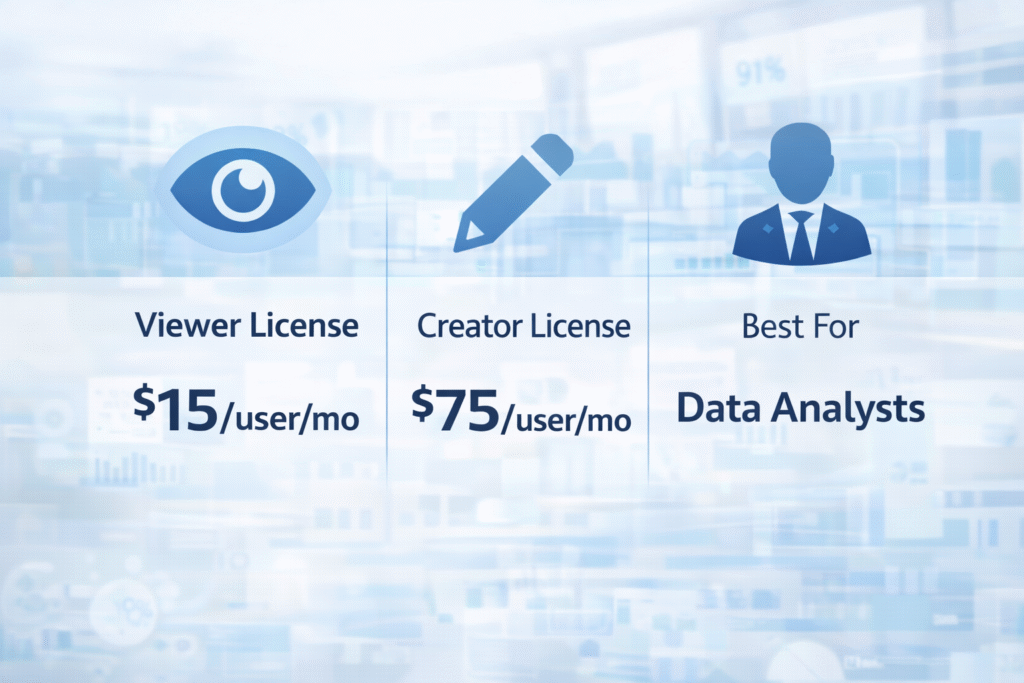
Tableau has long been the gold standard for data visualization, and Einstein AI integration in 2026 elevates it further. Tableau Pulse delivers automated, bite-sized metric updates to business users, alerting them to daily changes without dashboard-hunting. The drag-and-drop canvas still produces the most beautiful and customizable visualizations in the market, while Einstein Copilot can now generate calculations and format dashboards based on plain-text requests. For data analysts who need ultimate control over complex visual narratives, there’s no match — but expect a significant learning curve and budget commitment.
Strengths
- Most beautiful, customizable visualizations
- Tableau Pulse for automated alerts
- Massive community and integration ecosystem
- Einstein Copilot for formula generation
Limitations
- Steep learning curve on core desktop app
- High total cost of ownership
- Version control challenges for teams
ThoughtSpot
Search-First Analytics · SpotIQ · Embedded Analytics
Search-BasedNon-Technical UsersEmbeddable
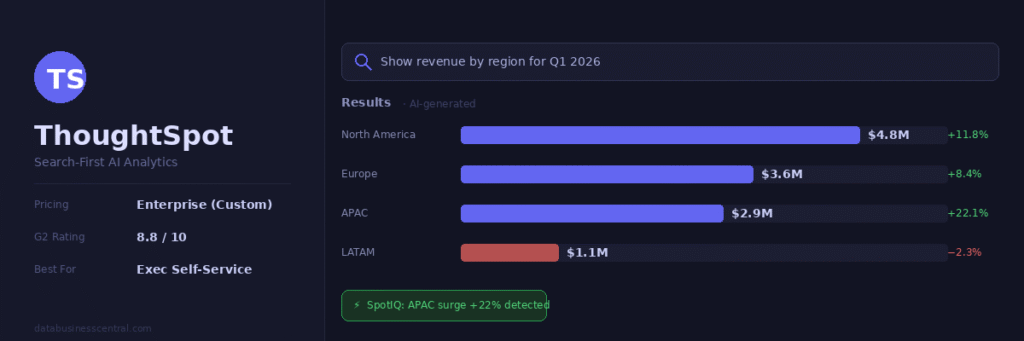
ThoughtSpot reimagines enterprise analytics as a Google-like search experience. Type a business question in natural language and receive an instant AI-generated visualization — no SQL, no dashboard configuration, no waiting. SpotIQ automatically detects patterns and anomalies in the background, surfacing unexpected insights before you think to ask. Rated 8.8/10 by enterprise users in 2026, ThoughtSpot also leads for embedded analytics through ThoughtSpot Everywhere, enabling product teams to integrate conversational BI directly into customer-facing applications via APIs. A clean data model is the prerequisite; messy warehouses will frustrate the search engine.
Strengths
- Lowest learning curve of any enterprise tool
- SpotIQ surfaces anomalies automatically
- Exceptional embedded analytics API
- Python and R for advanced users
Limitations
- Requires clean, well-governed data
- Enterprise pricing — no self-serve tier
- SpotIQ can surface noise in messy data
Qlik Sense
Associative Engine · AutoML · Enterprise Data Integration
Associative AIEnterprise GradeHidden Insights
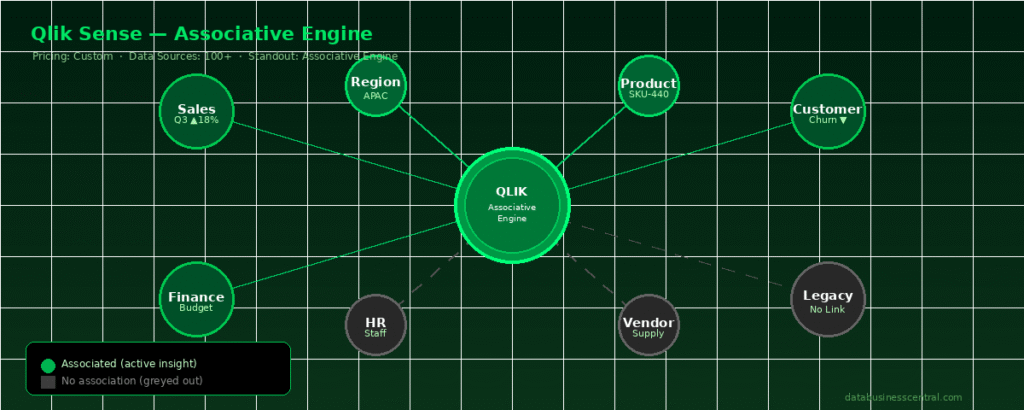
Qlik’s unique associative engine is its secret weapon. While other tools search for what’s related to your query, Qlik’s AI simultaneously reveals what’s not associated — preventing blind spots that haunt traditional analytics. In 2026, this technology pairs brilliantly with its Insight Advisor, which delivers NLP-driven analytics and conversational querying. Qlik also leads the market in ETL and data integration, making it ideal for enterprises with fragmented, complex data estates. The AutoML integration allows non-data-scientists to build machine learning models directly within the platform — a genuine differentiator.
Strengths
- Unique associative engine prevents data silos
- Powerful ETL and data pipeline tools
- AutoML for no-code predictive models
- Reduces AI hallucination risk
Limitations
- Dated UI compared to newer platforms
- Proprietary scripting language steep learning curve
- Custom pricing only — no transparent tiers
Domo AI
Executive Mobile BI · Real-Time Alerts · Predictive Analytics
Best Mobile ExperienceReal-Time DataExecutive Focused
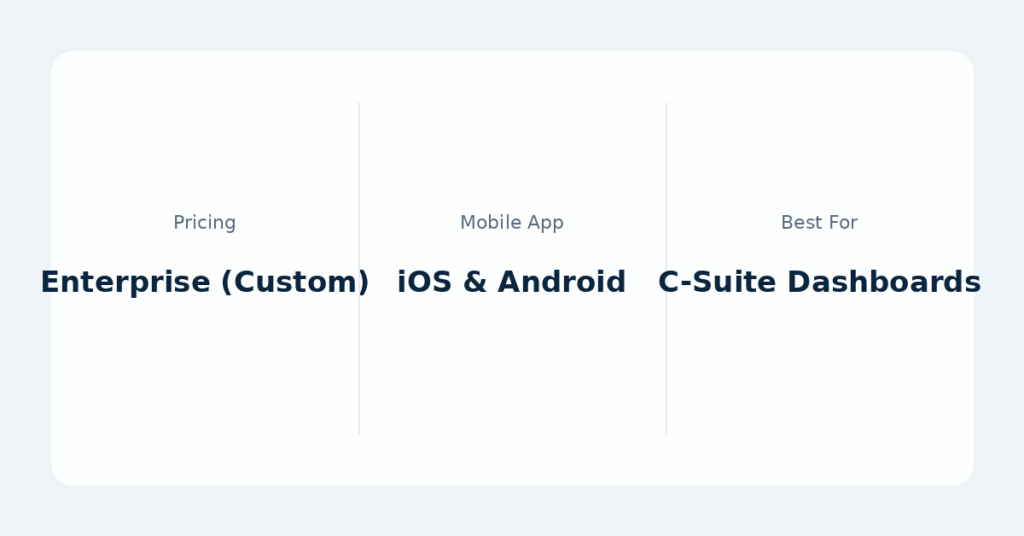
Domo occupies a specific and valuable niche: executives who need real-time metrics on their phones without learning analytics tools. The mobile experience is genuinely excellent — a rarity in enterprise software. Domo.AI adds predictive analytics and intelligent alerting, notifying operations teams the moment a metric crosses a threshold. Its AI assistant helps teams describe data needs and build visualizations in natural language. For organizations where leadership actually engages with data on mobile, or ops teams monitoring real-time dashboards, Domo’s premium price finds its justification. For standard mid-size reporting, the cost-value equation is less compelling.
Strengths
- Industry-best mobile BI experience
- Real-time alerting and anomaly detection
- AI assistant for dashboard building
- Strong executive adoption rates
Limitations
- Premium pricing for all company sizes
- Less flexible than Power BI or Tableau
- Steep AI customization limitations
Julius AI
Conversational Analysis · Spreadsheet Intelligence · No-Code
Best for Individuals No Code Required SOC 2 Compliant
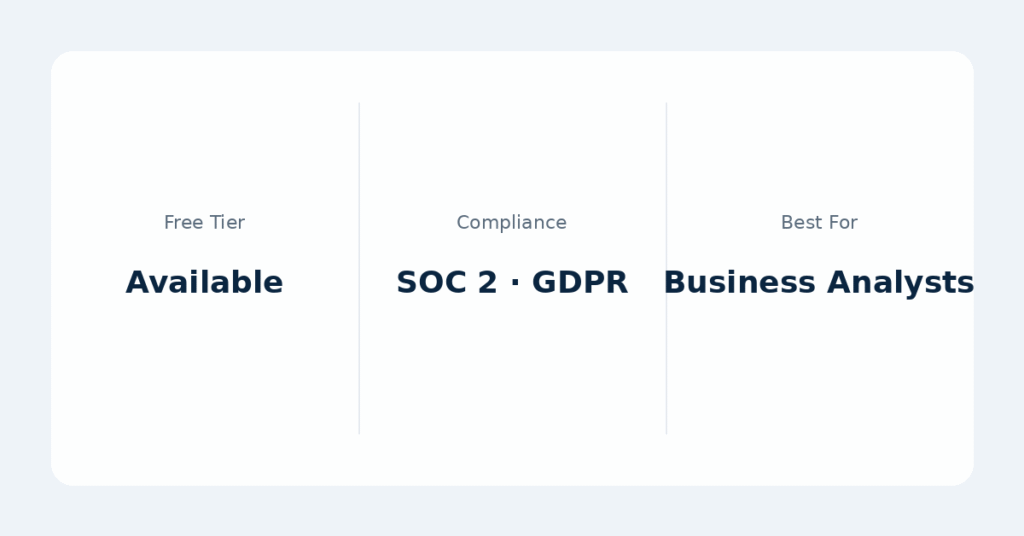
Julius AI is the ideal tool for business users who need immediate answers from spreadsheets and data files without writing a single line of code. Upload a CSV or connect a data source, ask questions in plain English, and Julius generates charts, summaries, and statistical analyses in seconds — getting better at understanding your specific business logic with every use. One case study saw AthenaHQ cut full-day analyses to under an hour; another saw SpellBook eliminate 8–10 hours of weekly manual data work. Julius is SOC 2 Type II, TX-RAMP, and GDPR compliant, making it enterprise-safe for sensitive data. A Slack integration delivers automated reports directly to your team’s channels.
Strengths
- Learns your business logic over time
- Automated Slack / Email report delivery
- Reliable and consistently accurate
- Enterprise-grade security on all tiers
Limitations
- Less suited for complex BI dashboards
- Not ideal as company-wide analytics platform
- Visualization customization is limited
Querio
SQL Transparency · Agentic Notebooks · Data Warehouse Native
Most Transparent AIData Team Favorite95% NL-to-SQL Accuracy
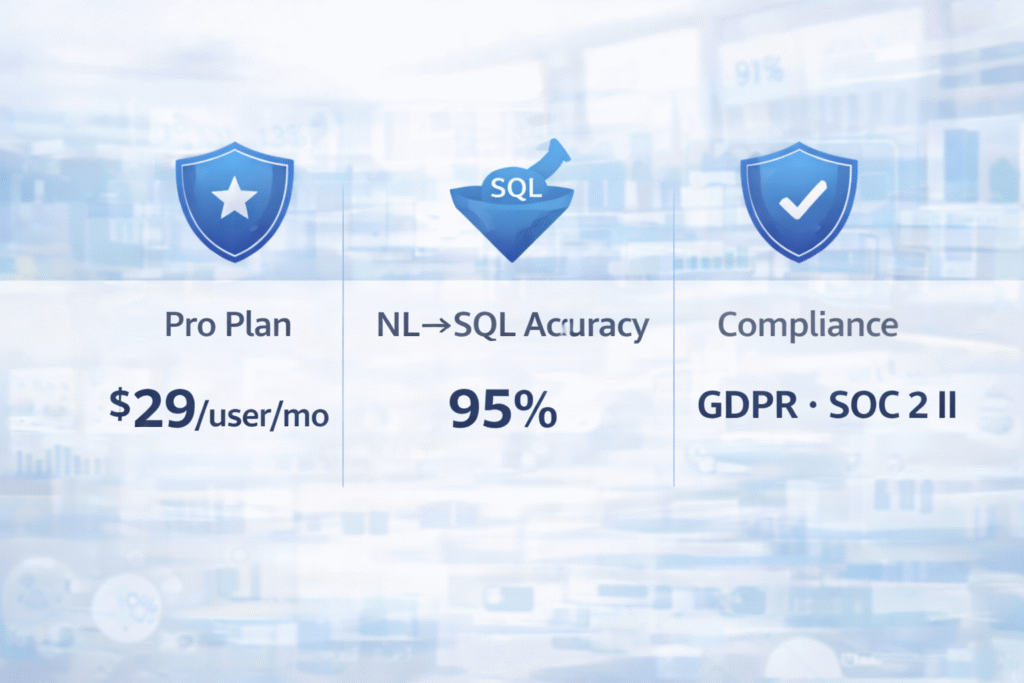
Querio solves the “black box” problem that plagues AI analytics: it shows you exactly what it’s doing. Every question in plain English generates inspectable SQL or Python code that data teams can review, audit, and modify. In 2026 benchmarks, Querio achieved 95% accuracy on ambiguous natural language-to-SQL conversions — industry-leading. In a notable retail case study, it identified a 15% sales decline by automatically breaking down root causes across inventory and marketing data in under five minutes. A Snowflake finance team achieved a 70% reduction in analyst time for compliant forecast creation. RBAC, audit logs, and data lineage are included in standard packages — not locked behind enterprise tiers.
Strengths
- Full SQL/Python transparency on every query
- 95% NL-to-SQL accuracy in 2026 benchmarks
- Governance features in all plans
- Agentic notebooks for deep analysis
Limitations
- Requires existing data warehouse setup
- Less polished UI than Tableau or Power BI
- Smaller community compared to leaders
Akkio
Predictive AI · No-Code ML · Revenue Team Analytics
Best Predictive AnalyticsRevOps & MarketingNo-Code ML
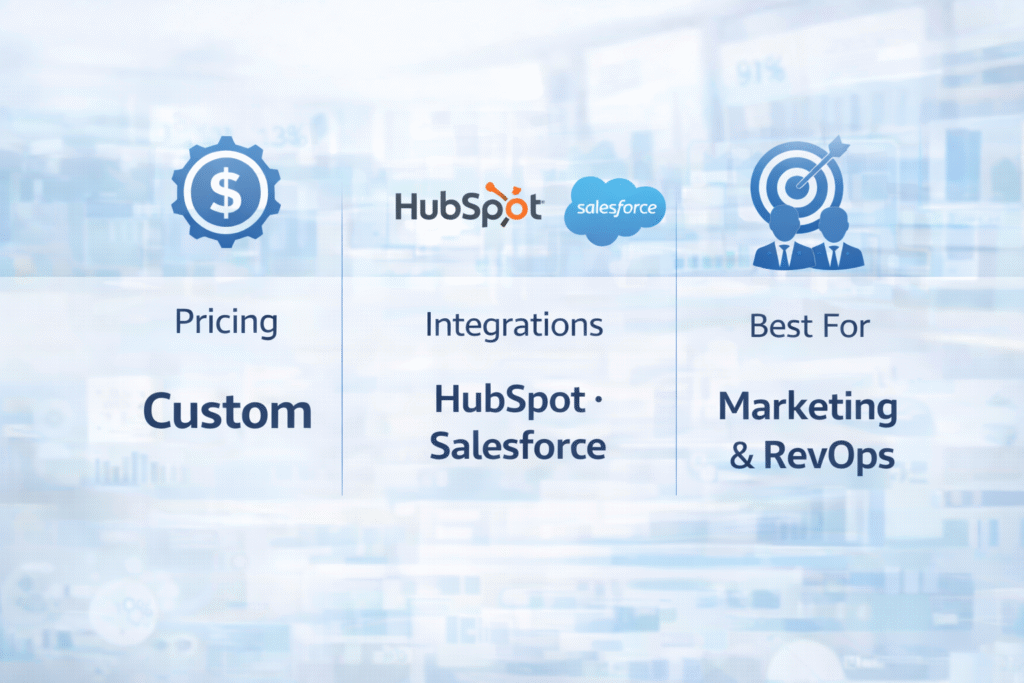
Akkio skips the traditional dashboarding wars and focuses entirely on actionable, predictive AI for revenue-generating teams. Marketing agencies, RevOps leaders, and sales operations managers can build no-code machine learning models — forecasting customer churn, scoring leads, predicting ad performance — without a data scientist on staff. Native integrations with HubSpot, Salesforce, and major advertising platforms mean Akkio lives where revenue teams already work. The chat-to-explore interface makes it accessible to non-technical marketers, and the platform democratizes capabilities that were previously exclusive to organizations with dedicated ML teams and six-figure data science budgets.
Strengths
- No-code churn and lead scoring ML models
- Deep CRM and ad platform integrations
- Intuitive interface for non-technical teams
- Fastest time-to-prediction in its class
Limitations
- Niche focus — not a general BI platform
- Basic visualization compared to Tableau/Power BI
- Not designed for financial or operational BI
Polymer
Spreadsheet-to-Dashboard · AI-Generated Dashboards · Small Teams
Best Quick-StartSMB FocusedAI-Generated Dashboards
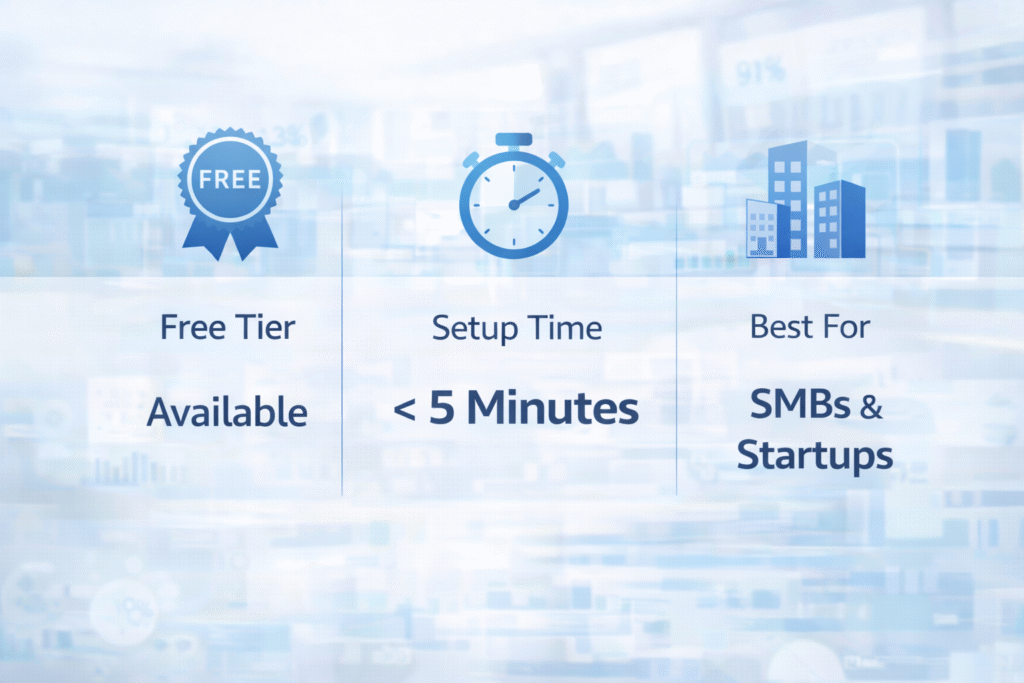
Polymer solves the “blank canvas” problem that paralyzes many small teams starting their analytics journey. Upload a spreadsheet and Polymer’s AI automatically generates the first draft of a fully interactive dashboard — saving hours of manual setup that other platforms require. What would take a skilled Power BI developer an afternoon takes Polymer’s AI minutes, and the results are genuinely impressive for the category. The tool is ideal for small businesses, startups, and departments that need quick, shareable analytics without infrastructure investment or a dedicated data team. For enterprise-scale governance, scalability, or customization, the tool reaches its limits quickly.
Strengths
- AI generates first dashboard automatically
- Fastest setup of any tool reviewed
- No technical knowledge required
- Generous free tier for small teams
Limitations
- Limited enterprise governance features
- Not built for company-wide analytics
- Advanced customization is constrained
Zerve
AI-Native Data Science · Notebook-to-Production · MLOps
Best for Data ScientistsAI-Native DevelopmentMLOps Built-In
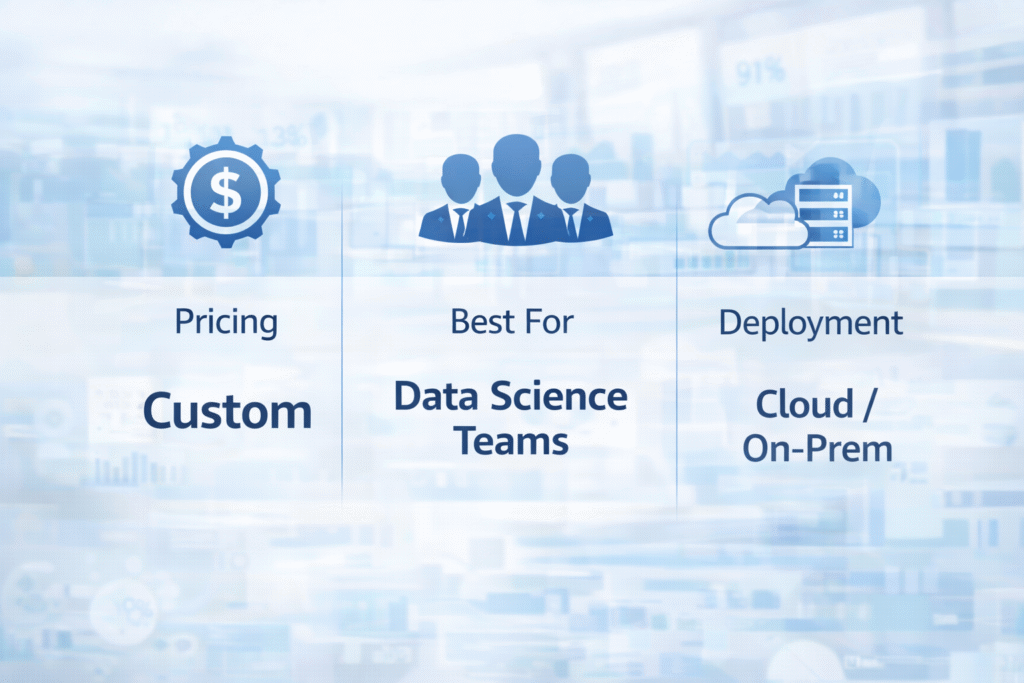
Zerve is built for the data scientists and ML engineers who’ve spent years bridging the notebook-to-production gap that plagues traditional tooling. Its AI agents maintain project context across sessions, dramatically reducing the friction of deploying models to production. For organizations running serious deep analysis, predictive modeling, and data science pipelines at scale, Zerve offers a genuinely AI-native development environment rather than an AI layer bolted onto legacy infrastructure. It’s the standout choice for teams that want to ship models on a deadline without the usual DevOps headache. It’s not a business intelligence tool — it’s a professional-grade data science platform for technically sophisticated teams.
Strengths
- AI agents maintain full project context
- Seamless notebook-to-production deployment
- Built for real deadlines and real teams
- True AI-native architecture
Limitations
- Technical users only — not for business teams
- Not a BI or dashboarding tool
- Smaller ecosystem than Jupyter/Databricks
Side-by-Side Comparison
How the 10 tools stack up across the metrics that matter most for business leaders.
| Tool | Ease of Use | AI Depth | Starting Price | Best Persona | Ease Rating |
|---|---|---|---|---|---|
| Microsoft Power BI | Moderate | High | $14/user/mo | Enterprise Teams | 7.2 |
| Tableau + Einstein AI | Steep | Very High | $15/user/mo | Data Analysts | 6.5 |
| ThoughtSpot | Very Easy | Very High | Custom | Executives | 8.8 |
| Qlik Sense | Moderate | High | Custom | Data Architects | 7.0 |
| Domo AI | Easy | Moderate | Custom | C-Suite Mobile | 8.0 |
| Julius AI | Very Easy | Moderate | Free / Paid | Individual Analysts | 9.0 |
| Querio | Moderate | Very High | $29/user/mo | Data Teams | 7.6 |
| Akkio | Easy | High | Custom | Marketing / RevOps | 8.2 |
| Polymer | Very Easy | Moderate | Free / Paid | SMBs & Startups | 9.2 |
| Zerve | Technical | Very High | Custom | Data Scientists | 5.8 |
How to Choose the Right Tool
Match the platform to your team’s actual workflow — not the vendor’s marketing pitch.
🏢You’re a Microsoft 365 shop
Default to Power BI Copilot. The procurement conversation is trivial, the integration is seamless, and the total cost of ownership undercuts every competitor. Add Copilot at $30/user/month for natural language features.
📊You need the best visualizations
Tableau is still the undisputed champion for data storytelling and complex visual analytics. Budget for Creator licenses and plan for the learning curve — the results justify both.
🚀Non-technical business users
ThoughtSpot or Julius AI. ThoughtSpot for enterprise-grade search analytics at scale; Julius AI for individuals and teams who need immediate answers from spreadsheets without any technical overhead.
🧬Predictive analytics without a data scientist
Akkio for revenue and marketing teams that need no-code ML models integrated directly into CRM and ad platforms. Qlik for enterprises that need AutoML alongside deep data integration.
⚡Small team, fast start
Polymer gives you a fully AI-generated dashboard from a spreadsheet in under five minutes. Start free, validate the value, then scale to a more powerful platform when governance demands it.
🔬Serious data science and ML engineering
Zerve is built for teams that need to ship models on deadlines. If Jupyter notebooks and production deployment gaps are your daily frustration, Zerve is the only AI-native answer on this list.
The Bottom Line
The AI analytics revolution of 2026 isn’t about which tool has the most impressive demo — it’s about which platform actually changes how your organization makes decisions. The best tools remove friction between raw data and confident action, making insights available to everyone from the CEO on a mobile phone to the data scientist shipping a production model.
For most business leaders, the answer comes down to your existing tech stack, your team’s technical maturity, and whether you need breadth (enterprise BI) or depth (predictive analytics). The good news: the floor has never been higher. Even the least powerful tool on this list would have been considered cutting-edge two years ago.
Editor’s Pick — Enterprise -Microsoft Power BI
Best all-round value for large organizations
Editor’s Pick — Individuals -Julius AI
Fastest path from data to insight
Editor’s Pick — Transparency -Querio
Best for governed, auditable AI analytics
