Introduction
Artificial Intelligence (AI) is changing the way professionals work. Instead of spending hours on repetitive tasks, employees and business owners can now use AI to complete routine work faster, make better decisions, and focus on activities that create real value. From writing emails and creating presentations to analyzing data and organizing schedules, AI has become an important workplace assistant across almost every industry.
Today’s professionals face increasing workloads, shorter deadlines, and constant pressure to improve productivity. Managing projects, attending meetings, responding to emails, and handling administrative work can consume a large portion of the day. As a result, many professionals struggle to find enough time for strategic planning, creative thinking, and professional development.
AI helps solve this challenge by automating repetitive tasks and simplifying complex workflows. Instead of replacing human expertise, AI works alongside professionals by providing suggestions, generating content, organizing information, and identifying patterns that might otherwise go unnoticed.
Businesses are also investing heavily in AI-powered technologies to improve operational efficiency and reduce costs. Teams that use AI effectively can often complete projects more quickly, improve collaboration, reduce manual errors, and make better decisions based on data-driven insights.
However, improving productivity with AI is not simply about adopting new software. Success depends on understanding how AI fits into existing workflows and using it responsibly. Professionals should view AI as a productivity partner that supports their work while allowing them to apply human judgment, creativity, and critical thinking where it matters most.
This article explores practical AI productivity tricks that modern professionals can begin using immediately. Whether you work in marketing, software development, finance, education, healthcare, or business management, these techniques can help you save time, improve efficiency, and work more effectively in today’s fast-changing digital workplace.
Why AI Is Becoming Essential in the Modern Workplace
Workplaces generate enormous amounts of information every day. Emails, documents, spreadsheets, presentations, meeting notes, customer inquiries, and project updates all require time and attention.
Many of these tasks are repetitive and do not require complex decision-making. AI helps professionals automate these routine responsibilities so they can focus on work that requires creativity, strategic thinking, and collaboration.
Unlike traditional software, AI can understand natural language, summarize information, generate content, identify trends, and even recommend solutions based on available data.
Many of these capabilities are now available through modern AI platforms offered by leading technology companies. For example, Google AI provides a wide range of AI technologies that help individuals and businesses improve productivity, automate routine tasks, and build smarter workflows.
For example, AI can:
- Organize your inbox automatically
- Schedule meetings based on calendar availability
- Summarize lengthy reports
- Draft professional emails
- Generate presentation outlines
- Analyze business data
- Create meeting notes
- Prioritize daily tasks
By reducing time spent on repetitive activities, professionals can improve productivity while maintaining high-quality work.
Productivity Trick 1: Automate Repetitive Tasks
One of the easiest ways to increase productivity is by allowing AI to handle repetitive daily work.
Many professionals spend several hours each week performing routine administrative tasks such as updating spreadsheets, scheduling meetings, organizing documents, responding to similar emails, or creating recurring reports. Although these activities are necessary, they often prevent employees from focusing on more meaningful responsibilities.
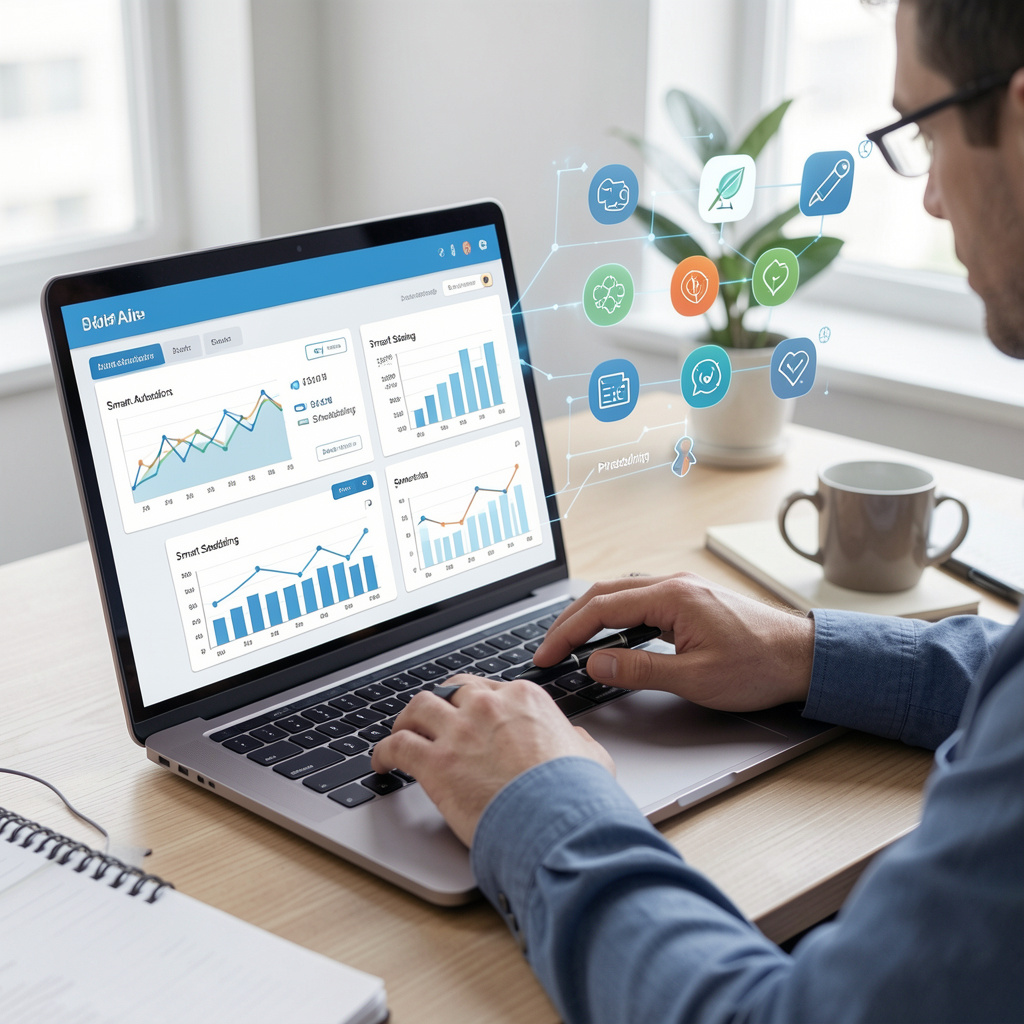
AI-powered automation tools can perform many of these repetitive tasks automatically. Calendar assistants schedule meetings based on participant availability; email assistants categorize incoming messages, and workflow automation tools move information between different business applications without manual input.
Automation not only saves time but also reduces human error. Instead of manually copying information between systems or repeatedly entering the same data, professionals can rely on AI to complete these tasks accurately and consistently.
Tasks That AI Can Automate
AI can simplify many routine workplace activities, including:
- Email organization
- Calendar scheduling
- Meeting reminders
- Data entry
- File organization
- Invoice processing
- Workflow notifications
- Report generation
Even saving 30 minutes each day through automation adds up to hundreds of productive hours over the course of the year.
Productivity Trick 2: Improve Writing with AI Assistance
Writing is an essential part of almost every profession. Emails, reports, proposals, project documentation, meeting summaries, presentations, and customer communications all require clear and professional writing.
AI writing assistants help professionals write faster without sacrificing quality. They can generate first drafts, improve grammar, suggest stronger wording, rewrite paragraphs, and organize ideas into logical structures.
Rather than replacing human writers, AI serves as a collaborative assistant. Professionals still provide expertise, business knowledge, and final judgment, while AI helps reduce the time required to prepare written content.
For example, a project manager preparing a client proposal can ask AI to create an outline, draft introductory sections, summarize technical information, and improve readability. The manager can then review, edit, and personalize the document before sending it.
Best Practices for AI-Assisted Writing
To achieve the best results, professionals should:
- Give AI clear instructions.
- Provide enough context.
- Review all generated content carefully.
- Verify facts before publishing.
- Add personal insights and expertise.
- Adjust the writing style for the intended audience.
AI should support professional communication rather than replace critical thinking or subject matter expertise.
Productivity Trick 3: Summarize Large Amounts of Information
Professionals regularly work with lengthy reports, contracts, research papers, business proposals, meeting transcripts, and technical documentation. Reading every document from beginning to end is often time-consuming.
AI-powered summarization tools help users understand large amounts of information within minutes. Instead of reading dozens of pages, professionals can generate concise summaries highlighting the most important ideas, action items, risks, and recommendations.
This allows managers, consultants, researchers, analysts, and executives to review information more efficiently while making faster decisions.
AI summaries are especially useful when preparing meetings, reviewing industry reports, or understanding complex technical documentation.
Although AI-generated summaries save time, professionals should still review original documents whenever important business decisions depend on complete accuracy.
Expert Insight
According to Microsoft, (https://www.microsoft.com/en-us/microsoft-365/copilot) AI-powered workplace tools help employees automate repetitive work, improve collaboration, and spend more time on creative and strategic activities that drive business value.
Productivity Trick 9: Use AI for Smarter Email Management
Email remains one of the primary communication tools in today’s workplace. However, managing a crowded inbox can consume a significant portion of the workday. Reading, sorting, replying to messages, and following up on conversations often interrupts productivity and reduces the time available for more important tasks.
AI-powered email assistants help professionals organize their inboxes more efficiently. They can categorize incoming emails, identify high-priority messages, suggest replies, summarize long email threads, and schedule messages to be sent at the most appropriate time.
By reducing the time spent managing email, professionals can stay focused on meaningful work while ensuring that important communications are not overlooked.
Benefits of AI Email Management
AI can help professionals:
- Organize emails automatically
- Prioritize important conversations
- Draft professional responses
- Summarize lengthy email threads
- Schedule outgoing messages
- Reduce inbox clutter
- Create reminders for follow-up emails
Using AI for email management helps professionals communicate more efficiently while minimizing distractions throughout the workday.
Productivity Trick 10: Continue Learning and Improving with AI
Technology continues to evolve rapidly, making continuous learning an essential part of professional growth. AI can support this learning process by recommending educational resources, explaining complex concepts, creating personalized learning plans, and generating quizzes for self-assessment.
Professionals can use AI to learn new software, improve technical skills, understand industry trends, or prepare for certifications without spending hours searching for study materials.
AI-powered learning platforms can also adapt recommendations based on a user’s interests, experience level, and career goals, making professional development more personalized and effective.
Ways AI Supports Continuous Learning
AI can assist professionals by:
- Recommending relevant courses
- Explaining technical concepts in simple language
- Summarizing books and articles
- Creating study plans
- Generating practice questions
- Tracking learning progress
Professionals who combine AI with a commitment to lifelong learning are better prepared to adapt to changing technologies and workplace demands.
Best Practices for Using AI Responsibly
While AI offers significant productivity benefits, it should be used thoughtfully and responsibly. AI-generated content and recommendations should always be reviewed before being used in business decisions or shared with clients.
Professionals should also be mindful of privacy, security, and data protection when using AI tools, especially when working with confidential or sensitive information.
To maximize the benefits of AI while minimizing potential risks, consider these best practices:
- Review AI-generated content for accuracy.
- Verify facts using trusted sources.
- Avoid sharing confidential information with public AI tools.
- Use AI to support human expertise, not replace it.
- Stay informed about new AI features and workplace applications.
Responsible AI use helps organizations improve productivity while maintaining quality, security, and professional standards.
Key Takeaways
- AI helps professionals automate repetitive tasks, allowing more time for strategic and creative work.
- AI-powered tools improve writing, research, meeting management, data analysis, and task organization.
- Using AI responsibly requires human review, fact-checking, and careful handling of sensitive information.
- Continuous learning and adapting to AI technologies can improve long-term career growth and workplace efficiency.
- Combining AI with human expertise leads to better productivity, stronger decision-making, and improved business outcomes.
Conclusion
Artificial Intelligence is transforming the modern workplace by helping professionals work more efficiently, making informed decisions, and reducing time spent on repetitive tasks. From managing emails and organizing meetings to analyzing data and creating high-quality content, AI has become an invaluable productivity partner across industries.
The most successful professionals are not those who rely entirely on AI, but those who understand how to use it effectively alongside their own knowledge and experience. AI enhances productivity by simplifying routine work, but human creativity, critical thinking, and decision-making remain essential for achieving meaningful business results.
As AI technology continues to evolve, organizations and individuals who embrace these tools responsibly will be better positioned to improve efficiency, adapt to change, and remain competitive in an increasingly digital world. Businesses can also explore how EprofileTech helps organizations leverage AI-driven technologies to improve operational efficiency, automate business processes, and support digital transformation through its AI solutions. By incorporating practical AI productivity strategies into daily workflows and adopting the right technology solutions, modern professionals can save time, improve performance, and focus on work that truly drives innovation and long-term business growth.
